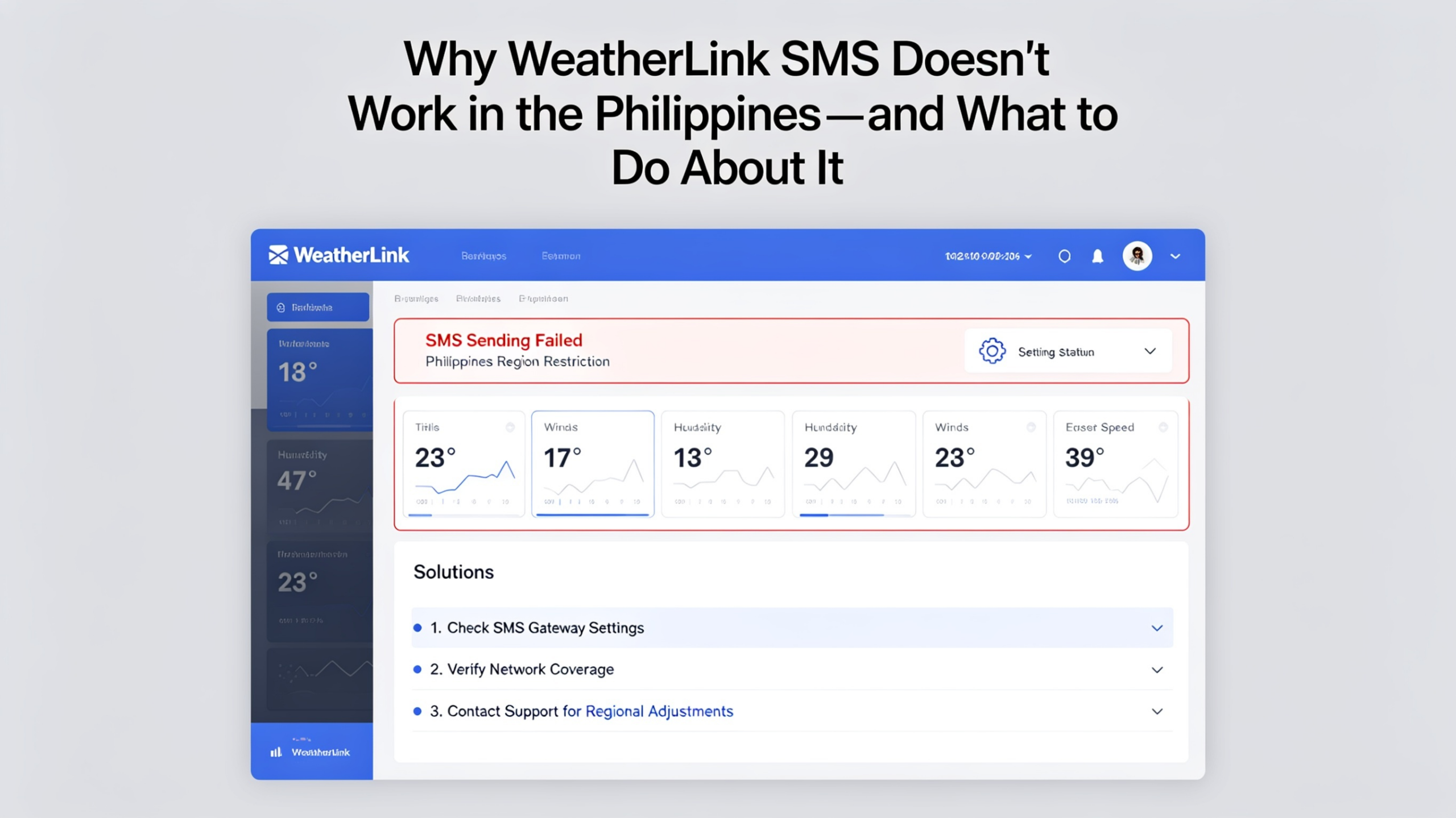
If you own a Davis weather station in the Philippines and tried to set up SMS alerts through WeatherLink.com, you’ve probably hit the same wall I did. The alerts exist. The interface lets you configure them. But the SMS never arrives. Here’s why — and what actually works.
WeatherLink Has a Built-In Alert System
WeatherLink.com includes an alarm feature that lets you define threshold conditions and get notified when they’re triggered. For email, it works fine. For SMS, it depends entirely on which country and mobile network you’re on.
The Problem: SMS Delivery Is Network-Dependent
WeatherLink’s SMS delivery relies on partnerships with specific mobile network carriers in select countries. The Philippines — including the major networks Globe, Smart, and DITO — is not on that supported list. This means that even if you configure SMS alerts correctly in WeatherLink, messages to Philippine numbers are simply never delivered.
This isn’t a bug you can fix from your end. It’s a fundamental limitation of WeatherLink’s SMS infrastructure.
How I Found Out (The Hard Way)
I’m a Davis weather station owner based in Cebu. I spent an embarrassing amount of time checking my WeatherLink alarm settings, testing different phone numbers, and waiting for messages that never came. Eventually I dug into the WeatherLink documentation and community forums and confirmed what other Filipino users had also discovered: SMS to Philippine networks simply isn’t supported.
I needed SMS alerts for heat index and wind monitoring at my property. Email alone wasn’t enough — I’m not always watching my inbox. I needed a message that would hit my phone directly, the same way a text from a family member would.
So I built WL Alert.
What WL Alert Does Differently
WL Alert is an independent service that connects to your WeatherLink account via the official API, reads your station data on a regular polling interval, and delivers alerts through its own SMS gateway — one that actually works in the Philippines.
- Works on Globe, Smart, DITO, and other Philippine networks
- Fully configurable threshold rules — same concept as WeatherLink alarms, with more control
- Supports multiple recipients per rule — SMS and email together
- Custom message templates with live data placeholders
- Built and maintained by a Filipino Davis station owner who uses it daily
Is It a Replacement for WeatherLink?
No — and it’s worth being clear about this. WL Alert is not a replacement for WeatherLink. You still need your WeatherLink account to use it, because WL Alert reads your station data through the WeatherLink API. Think of WL Alert as an add-on layer that handles the alert delivery that WeatherLink can’t do in the Philippines.
You keep using WeatherLink for everything else — data logging, historical records, dashboard viewing. WL Alert simply handles the “notify me when X happens” part, via SMS channels that actually reach you.
Getting Started
The Free plan lets you connect one station, create three alert rules, and receive up to 50 email alerts per month — no credit card required. To unlock SMS delivery and higher limits, paid plans start at $9/month.